
AI Hairstyle Selfies: 6 Checks Before You Upload
Before uploading a selfie to an AI hairstyle app, check selected-photo access, processing providers, retention, model-training use, deletion and consent. A privacy label or developer statement is not an independent audit. The useful question is not simply whether an app calls itself private, but whether its published answers are specific enough for the photo you want to share.
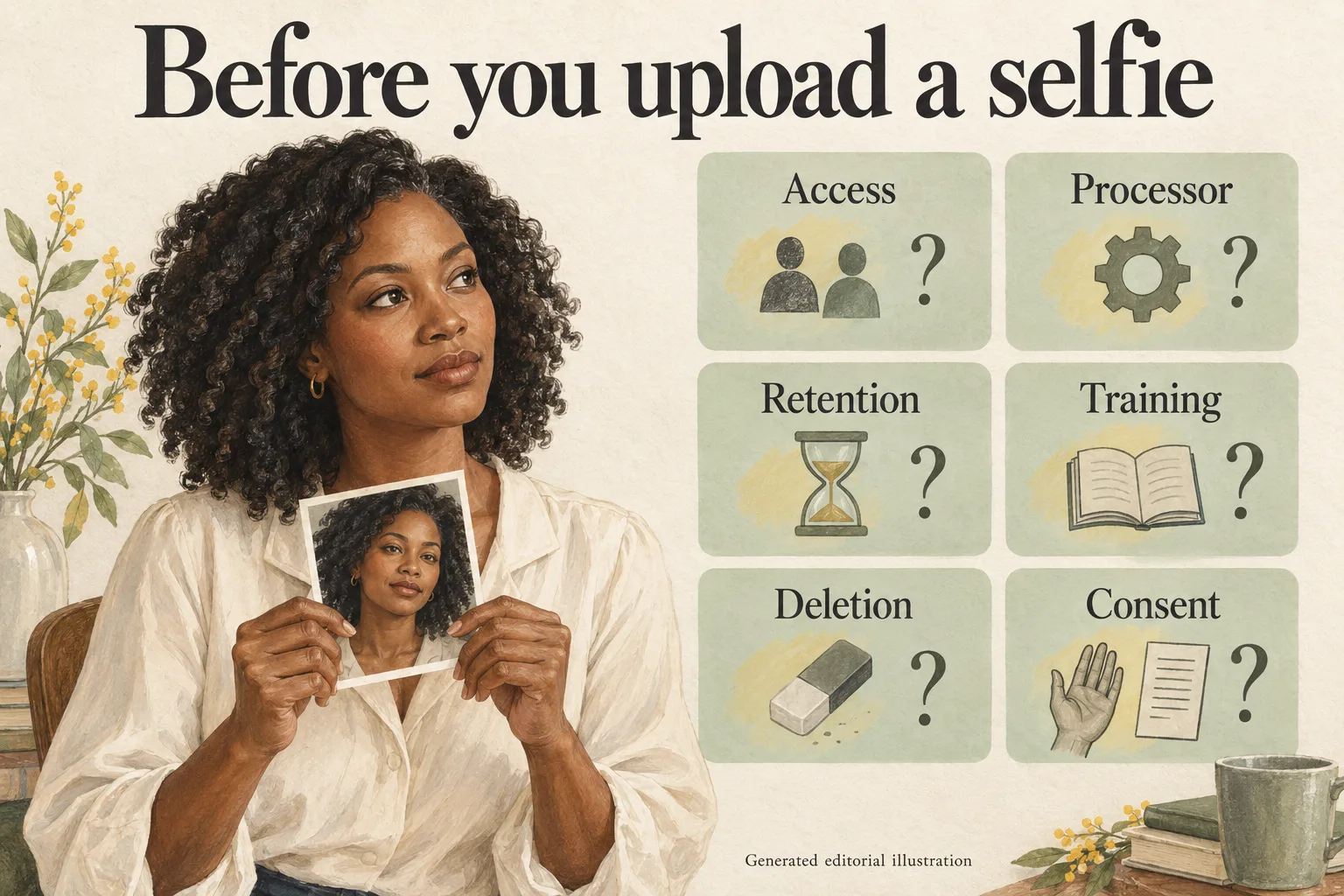
Generated editorial illustration, not a Naee screenshot, hairstyle result or security certification.
Publisher disclosure: This is the Naee blog. We have a commercial interest in Naee, which we use below as a documented example rather than a privacy winner. This article compares published statements, not inspected software, server logs or an independent security assessment.
Source timing: The official pages linked here were reviewed on October 4, 2026. Naee's privacy policy states an effective date of March 16, 2026. Recheck the policy and the consent shown by the installed app before uploading, especially if either has changed.
Table of contents
- 1. Check what photo access you grant
- 2. Check who processes the selfie
- 3. Check retention for every kind of copy
- 4. Check whether photos are used for training
- 5. Check what deletion actually removes
- 6. Check consent before sending the photo
- A worked privacy selection example
- Your AI hairstyle app privacy checklist
- FAQ
1. Check what photo access you grant
Prefer the smallest photo access that supports the feature you want. Selecting one selfie and authorizing an entire photo library are different decisions. Inspect the actual photo picker and permission request instead of assuming that a hairstyle app needs everything in your camera roll.
The Naee privacy policy, under “Personal Information We Collect,” says the app obtains only the specific images you choose for hairstyle generation and does not collect your photo albums even if you grant access. That is the developer's stated practice. It is not proof from a permission audit or a network inspection.
Choose a photo containing only you, with a plain background and no visible address, workplace badge, documents or other people's faces. Keep your hairline and hair visible so the image is still useful for a haircut preview. If you need composition guidance, our AI hairstyle try-on guide explains how to choose an informative starting photo.
Also think about information that is not visible. Naee's policy says uploaded photographs may carry metadata such as geotags and that it takes steps to delete associated metadata. Do not turn that wording into a guarantee that every file's location information is removed. If location context is sensitive, review the photo's sharing options and metadata yourself before choosing it.
Practical action: Select one appropriate image where the picker allows it. If a broader permission request appears, read why it is requested and decide whether you want to continue. Camera access, library access and permission to send a chosen image to a service are related but separate choices.
2. Check who processes the selfie
On-device storage does not mean on-device processing. An app can keep a saved result on your phone while sending your original image elsewhere to create it. Read the named processing provider and any cross-border processing statement, not just a sentence about where your favorites are stored.
Naee's policy names Google AI Services via Firebase as the third-party processor for face analysis and hairstyle generation. Its “Cross-Border Data Transfers” section says Google may process data in centers outside your state, province or country. The official Naee website also says new AI rendering and stylist chat require an internet connection, while saved looks can be viewed offline.
These are disclosures of remote processing. They do not support describing Naee as an app whose selfie processing stays entirely on your iPhone. They also do not identify every technical detail of the service configuration. If your rule is that face photos must never leave your device, this published description does not meet that rule.
Look beyond the image processor. The policy discusses Mixpanel usage analytics and RevenueCat purchase or subscription status, and says Apple handles purchase processing. Different data may go to different providers for different purposes. A statement about photo handling cannot answer every question about device identifiers, usage or purchases.
Practical action: Write down who receives the photo, what they do with it and whether processing location matters to you. If the provider is unnamed or a location restriction is essential, ask before uploading rather than substituting a general claim such as “secure cloud.”
3. Check retention for every kind of copy
Ask what is retained, where, and for how long. Original photos, generated images, face analysis, saved exports and usage analytics are not interchangeable. A short retention statement for photos is not a retention schedule for all app data.
Naee's published wording deserves a careful, qualified reading:
| Official source | What it says | What remains to ask |
|---|---|---|
| Website privacy FAQ | Uploaded photos are deleted from “our server in 24 hours,” with the only copy on your device afterward | What own-server handling this describes and which image copies it covers |
| Policy, “How We Handle Face Data” and “Retention” | Google processing is real-time; photos and face data are not retained by third parties after processing completes | How “processing complete” is defined and how this relates to the website's own-server wording |
| Policy, local storage sections | Original photos and face analysis results are stored on your device | Which exports or device backups may hold additional copies outside app storage |
| Policy, “Retention” | Mixpanel analytics follow Mixpanel's retention policies | The applicable analytics duration and deletion options |
The website's own-server deletion within 24 hours and the policy's no third-party retention after processing may describe different stages or different systems. They are not definitively contradictory. But that possible explanation is not a verified lifecycle, and the policy also uses broad local-storage wording. The public pages do not give us enough detail to establish precisely how those statements fit together.
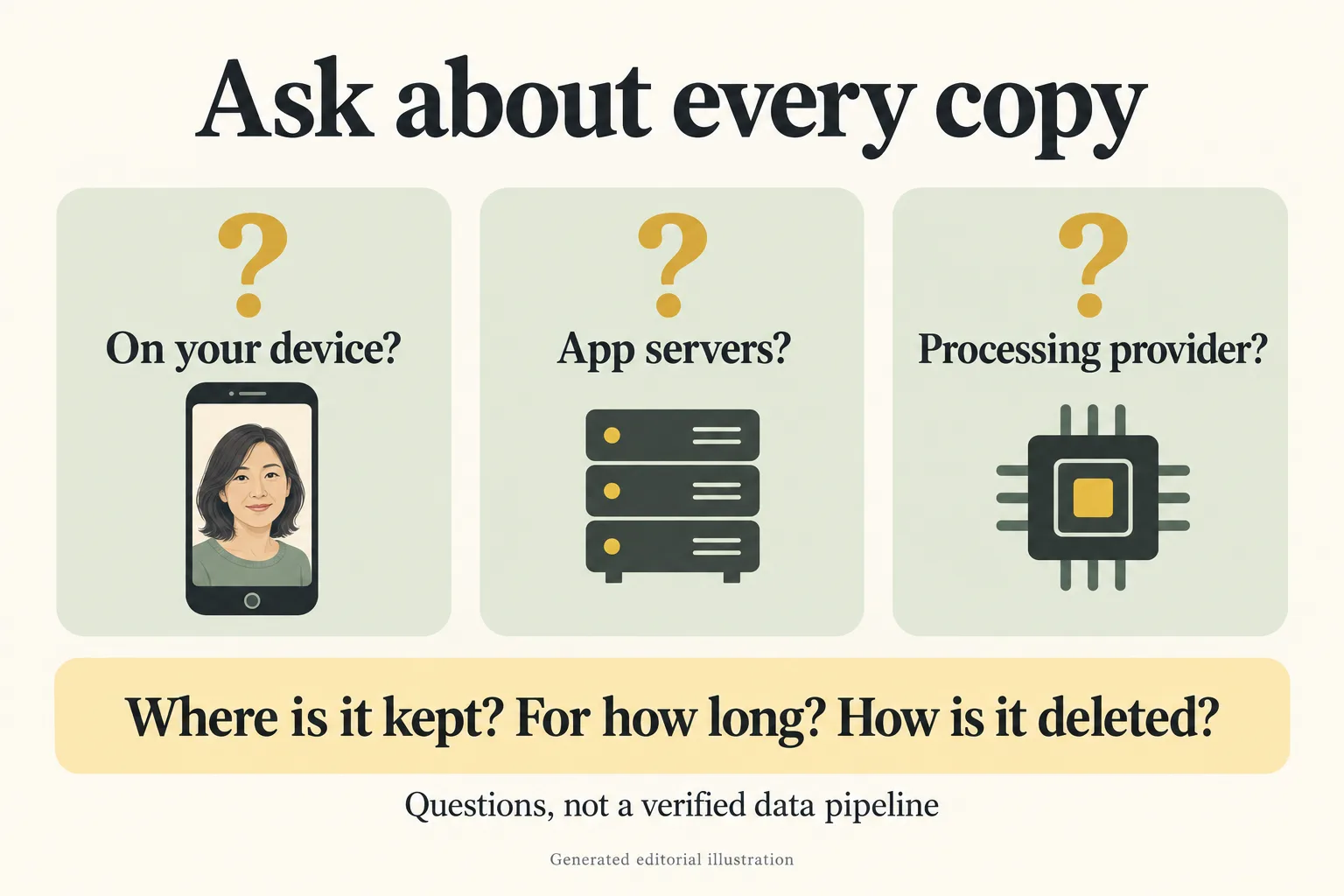
Generated editorial illustration. These are retention questions, not a confirmed Naee processing pipeline.
The useful support question is: “Your website describes own-server deletion within 24 hours, while your policy says third-party photos are not retained after processing and describes local-only storage. Which copies exist during generation, what starts each deletion clock, and how do you handle failures or retries?” This asks for clarification without accusing the developer of a contradiction or assuming an answer.
Practical action: If those details determine whether you can upload, wait for clarification. Do not treat either sentence as independently verified deletion, immediate deletion everywhere or a promise that no temporary remote copy exists.
4. Check whether photos are used for training
Look for wording that covers both the developer and its processing provider. Generating a hairstyle preview and using a photo to train or improve a model are different purposes. A policy should let you distinguish them.
Naee's “How We Handle Face Data” section states that photos and face data are never used to train, improve or develop AI or machine-learning models by Naee or Google. Its website also says uploaded photos are never used for training. Attribute that correctly: Naee's published policy says no training use. This article has not verified provider settings, contracts or implementation behavior.
Do not confuse that specific photo commitment with a statement that no information is used to improve the app. The policy separately discusses statistical usage analysis, including Mixpanel, and other uses of non-photograph information. Product analytics and model training are not the same thing, but both matter when deciding what you want to share.
Be deliberate when contacting support, too. A screenshot, exported preview or original selfie attached to a support message is another act of sharing. Ask whether a description of the problem is sufficient before sending images with personal context.
Practical action: Search the policy for “training,” “improve,” “face data” and the provider's name. If the wording only rules out public posting, that does not answer the training question. If you cannot find a direct answer, leave it marked unknown rather than assuming an opt-out exists.
5. Check what deletion actually removes
Separate app storage from copies you exported or shared. Removing an image from one place does not automatically remove it from Photos, a message thread, a salon's inbox or a backup.
Naee's policy says deleting the app deletes locally stored photos, face analysis and preferences. It says no cloud deletion request is necessary because photos are not retained on third-party servers after processing. It also offers the Support button in App Settings for data-related requests. These are policy assertions, not an observed deletion test.
That guidance does not independently resolve the website's own-server retention wording. If you need an answer about a request still processing or a server copy described by the website, ask support which deletion option applies. For analytics or purchase-related information, ask specifically about that category rather than asking only to delete “my selfie.”
A useful personal cleanup plan includes:
- The original image you selected, if you no longer want to keep it.
- Results kept inside the hairstyle app.
- Results exported to your photo library or files.
- Copies sent to friends, a stylist or support.
- Any backup or sync service you use for those locations.
Keep the distinction between a deletion request and evidence that deletion finished. A response from support may clarify scope and timing; it is not the same as independently inspecting every provider's storage.
Practical action: Before uploading, decide which copies you intend to keep and how you will remove the rest. If you cannot identify a route for a data category that matters to you, ask before creating it.
6. Check consent before sending the photo
Permission to open your camera is not the full explanation of remote processing. Read the message immediately before a photo is captured or sent. It should help you understand what you are agreeing to, rather than making you infer the destination from a marketing page.
Naee's policy says explicit consent is obtained before photos are captured or processed, acknowledging transmission to Google AI Services. We have not tested the installed app's current consent sequence. If the live message is unclear, or differs from the policy, stop and ask support rather than assuming the policy supplies an explanation you did not see.
Consent also concerns the subject of the image. Use your own photo, or obtain the person's informed permission before uploading theirs. Avoid group photos and do not use a friend's image merely because it is already public. Hairstyle inspiration and permission to send a person's face to another service are different matters.
For children, read the service's rules rather than treating an App Store age rating as permission. Naee's policy says it is not directed at children under 13 and its terms do not allow their use. That policy boundary matters even though the store's content age rating is a separate system.
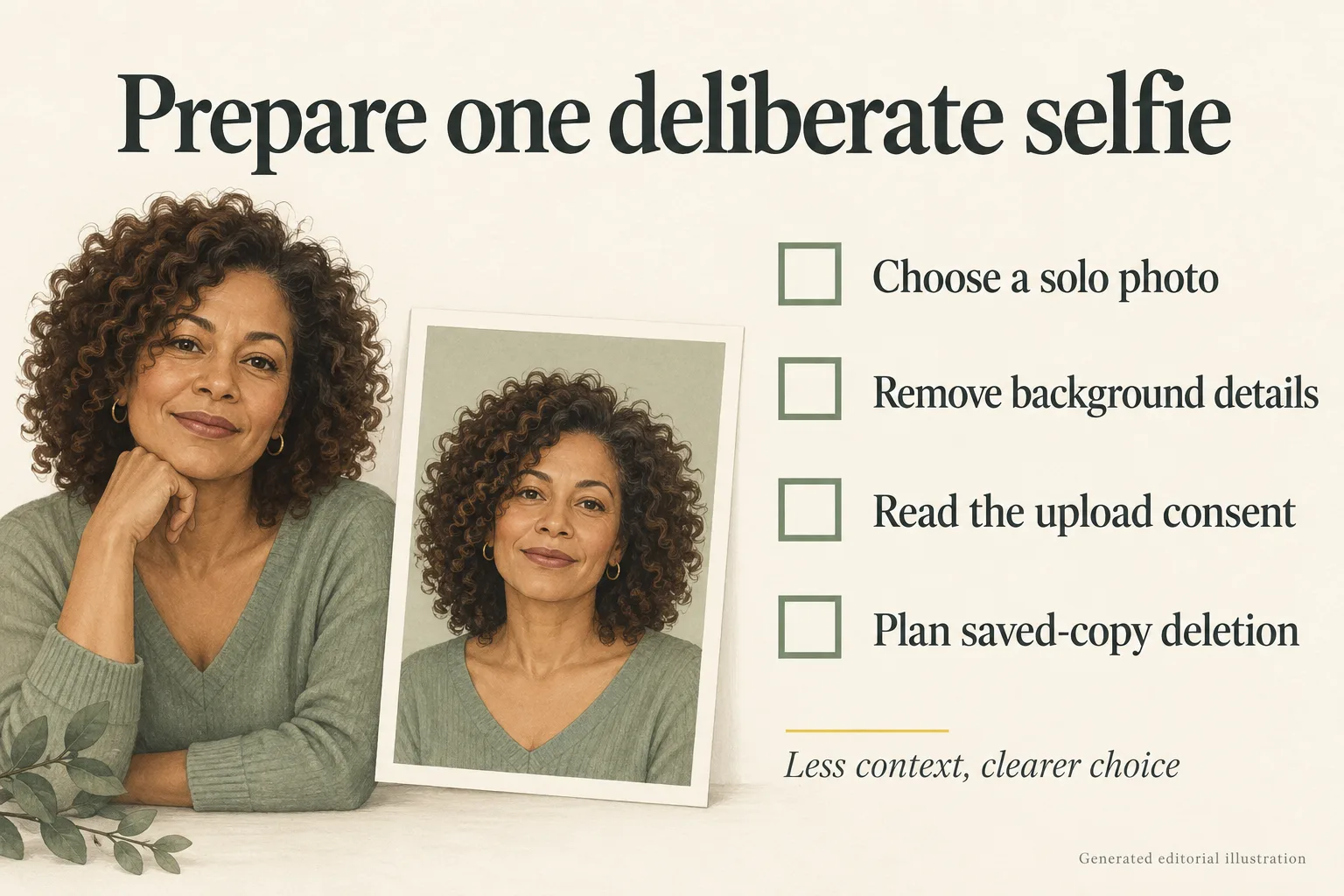
Generated editorial illustration, not a real consent screen or demonstration of app behavior.
Practical action: Read the consent, use a photo you are entitled to share and avoid including other people. If remote processing is unacceptable to you, do not upload simply because the result would be convenient.
A worked privacy selection example
Hypothetical example, not a user study: Maya, 38, wants to compare a shoulder-length cut with longer layers before a salon visit. She has two candidate photos: a solo portrait against a blank wall and a group photo taken at work. She chooses the solo portrait because it contains less unrelated context, not because cropping makes remote processing risk-free.
Maya's first boundary is “I can accept a named remote processor, but I need a stated no-training policy.” Naee's published policy supplies those two answers. Her second boundary is “I must understand every remote photo retention period.” The website and policy do not give her a fully clarified lifecycle, so she asks the retention question above and waits. She does not mark that requirement satisfied just because a website uses the word private.
If instead Maya's rule were “no face photo may leave my phone,” she would reject a remote-processing feature without needing a privacy ranking. If the retention answer later meets her boundary, she can preview a small set of options, keep only useful references and use our hairstyle selection guide to plan the salon discussion. Neither outcome requires calling Naee the safest app.
Your AI hairstyle app privacy checklist
The Naee App Store listing currently shows “Data Not Linked to You,” including photos or videos, purchase history, device ID and product interaction for app functionality, and device ID for analytics. Not linked does not mean not collected, not uploaded or anonymous under every circumstance.
Apple's explanation of App Store privacy information says the information is self-reported by developers. Naee's listing itself says Apple has not verified it. Use the label as a starting map, then read the policy for purpose, processing and retention details. Do not turn a label into a security approval.
| Check | Question to answer before upload | Pause when |
|---|---|---|
| Access | Which specific photo and permissions am I granting? | The requested scope is broader than you understand |
| Processor | Who receives the photo, and where might processing occur? | A needed provider or location answer is missing |
| Retention | Which copies exist, and when are they removed? | Timing or scope is essential but unclear |
| Training | Does the policy cover photos, face data and providers? | Training use is unspecified or unacceptable |
| Deletion | How do I remove app data, exports and other relevant records? | You cannot identify a deletion route you need |
| Consent | Do I understand the upload and have permission from the subject? | Either answer is no |
Avoid three common mistakes: assuming offline viewing means offline generation, reading “not linked” as “no collection,” and treating deletion of the app as deletion of every exported image. Also avoid converting encryption wording into a blanket safety verdict. Naee's website claims encryption in transit and at rest; we have not audited that claim, and its policy explicitly says security cannot be guaranteed.
For product context, the Naee introduction describes the intended hairstyle-planning use. The privacy decision comes first. A useful preview is not a reason to ignore a boundary you would apply to any other service.
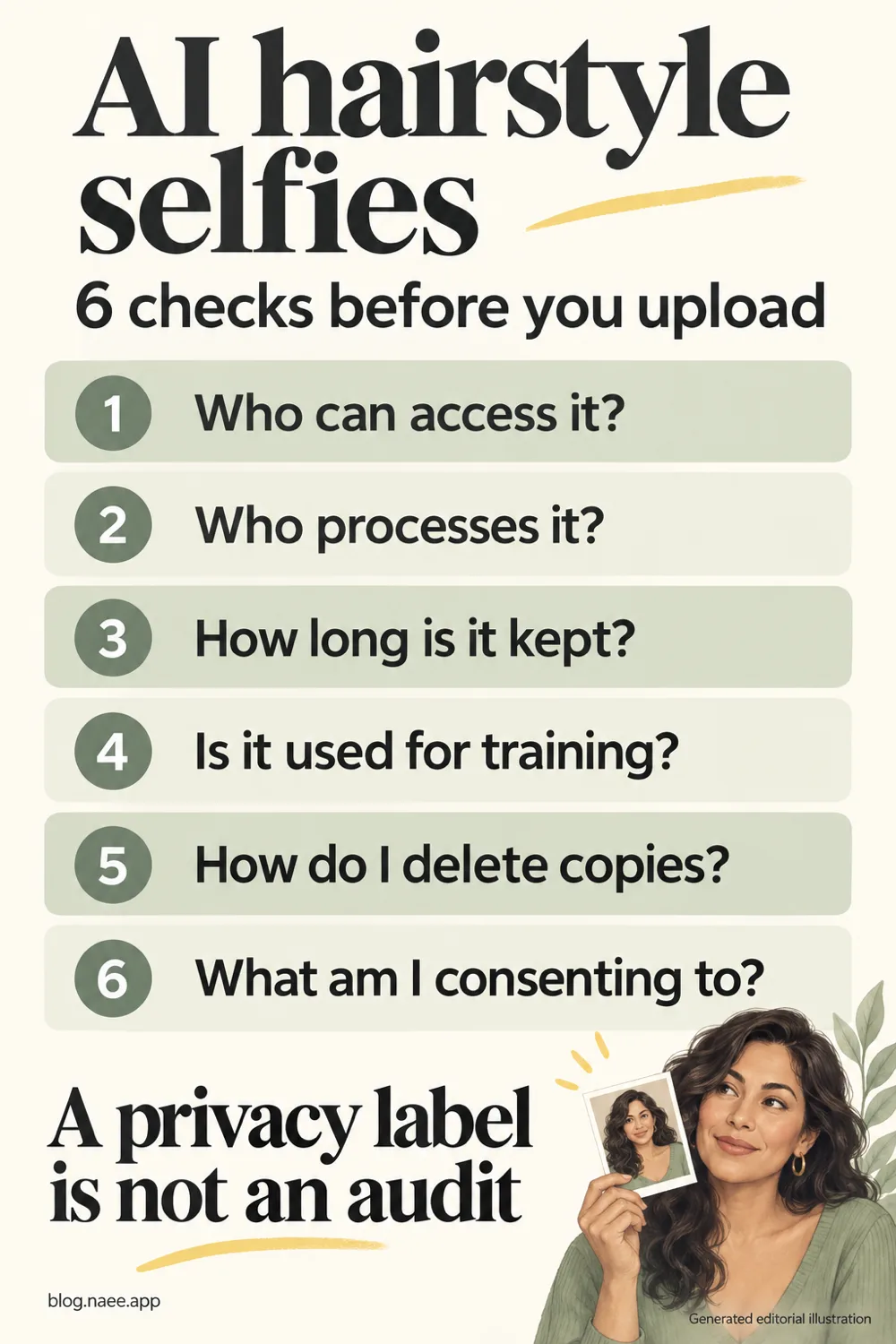
Generated editorial illustration. Save the checklist or download the full-resolution Pinterest image. It summarizes questions, not verified security findings.
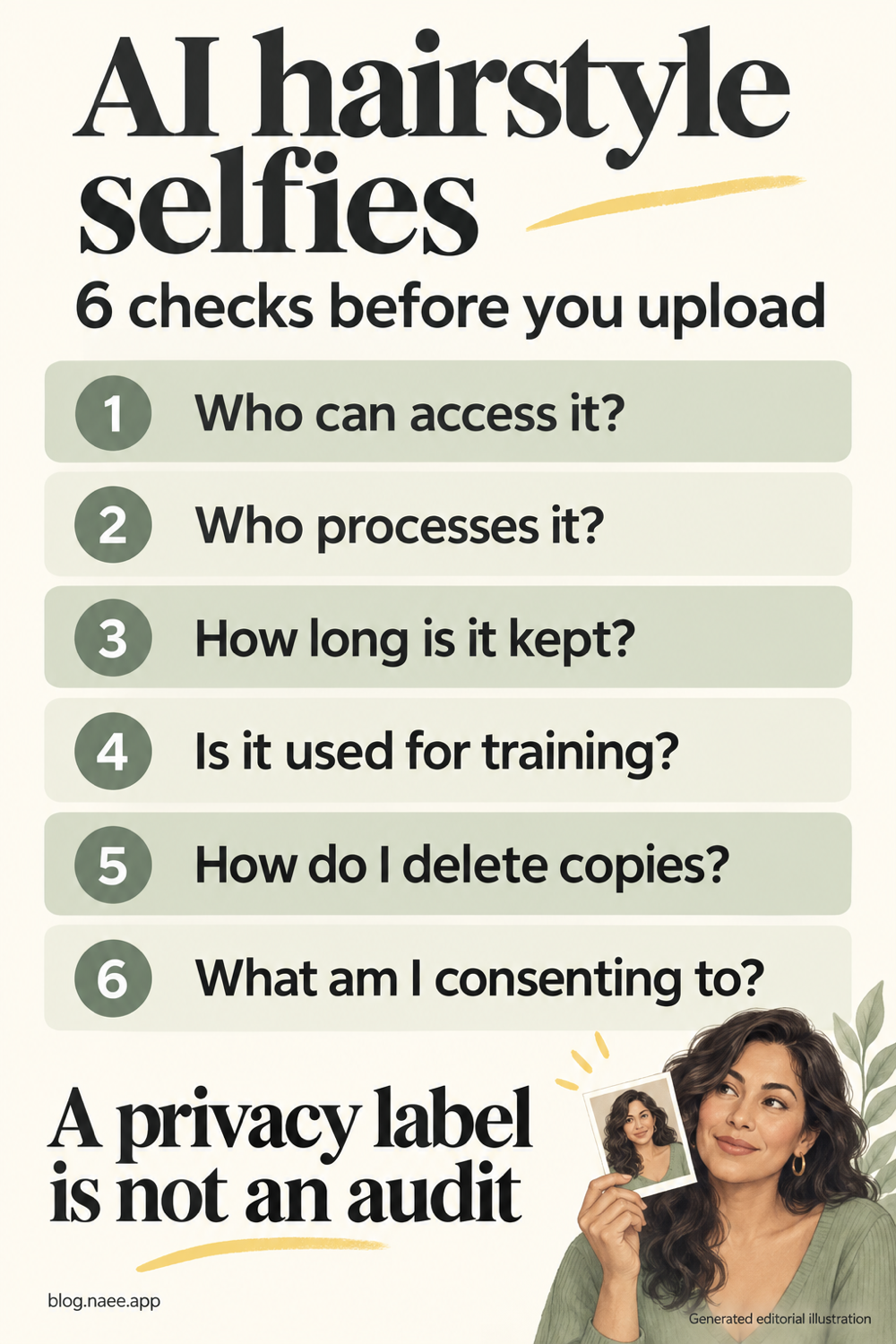
Bottom line: Upload only after the published answers and the actual consent meet your own requirements. For Naee, remote processing and stated no-training commitments are documented; the exact relationship between own-server retention and third-party post-processing deletion still needs clarification before giving an unqualified lifecycle assurance.
FAQ
Does storing a hairstyle preview on my phone mean the selfie stayed there?
No. Storage and processing are different. Naee's policy describes sending selected face photos to Google AI Services via Firebase, and its website says new rendering requires internet connectivity. Offline access to saved images does not establish on-device generation.
Does Naee use selfies to train AI models?
Its March 16, 2026 policy says photos and face data are not used to train, improve or develop models by Naee or Google. That is a published commitment, not a finding from an independent audit. Recheck the current policy before use.
Are Naee's photos deleted immediately or after 24 hours?
The policy says third-party photos are not retained after processing, while the website describes deletion from its own server within 24 hours. Different stages may explain the wording, but we have not verified that explanation. Ask support about the relevant copies and deletion clocks if this distinction affects your decision.
Is an App Store privacy label proof that an app is safe?
No. Apple says the information is developer-reported, and Naee's listing says it has not been verified by Apple. The label can help you identify data categories, but does not independently establish security, retention implementation or suitability for your personal requirements.
Will deleting the app remove every copy of my selfie?
Naee's policy says deleting the app removes its locally stored photos, face analysis and preferences. It does not erase images you exported or sent elsewhere. Review those copies separately, and contact support for questions about other data categories or the website's server-retention wording.