
Free AI Hairstyle Apps: What Can You Actually Try?
Free download does not mean unlimited free hairstyle generation. A free AI hairstyle app is useful before paying only if its available allowance lets you create a relevant preview on your own photo, inspect it, and understand what saving it includes. Compare those steps first, then check whether accepting a trial starts an automatically renewing subscription.
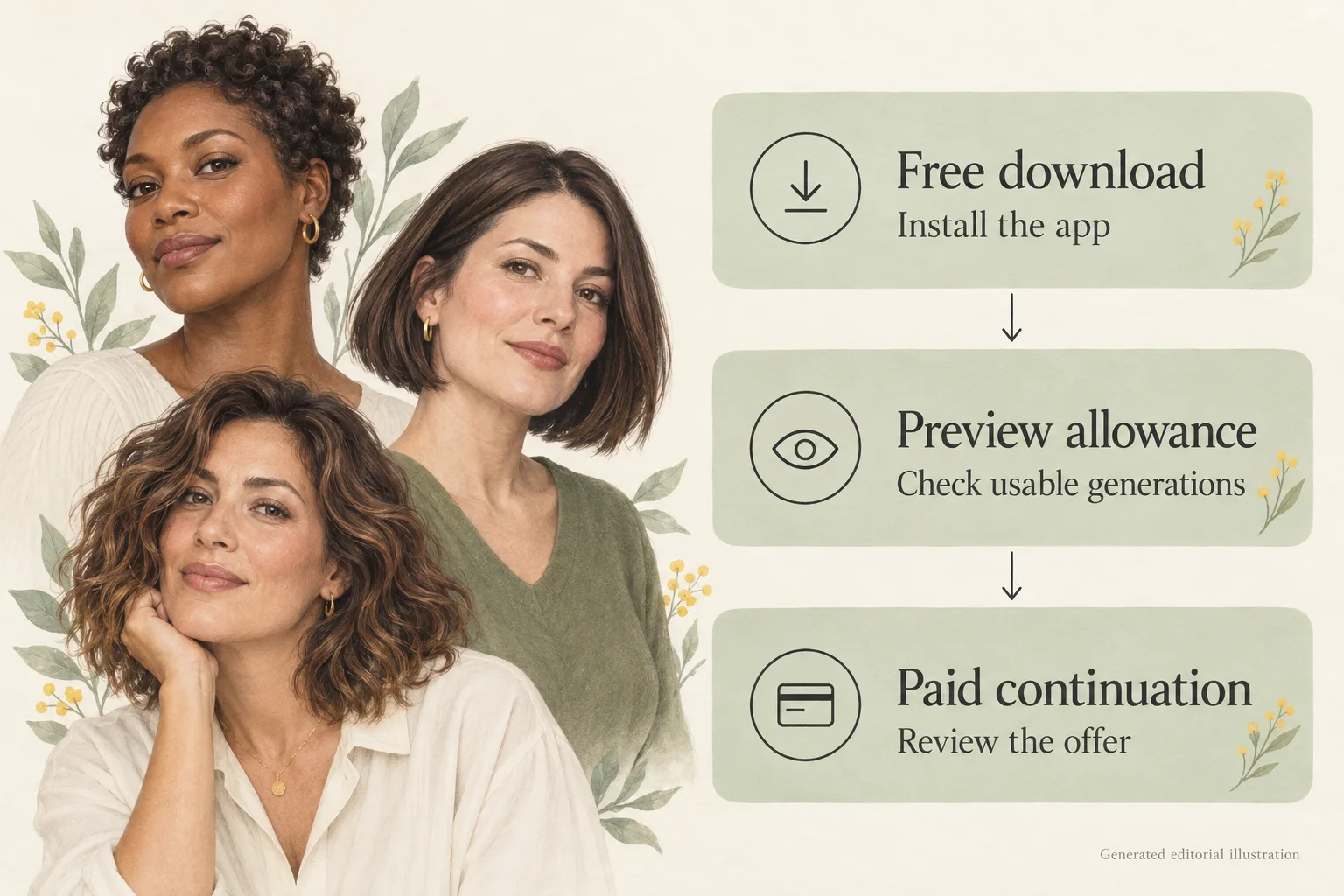
Generated editorial illustration, not a Naee screenshot or hairstyle result.
Publisher disclosure: This is the Naee blog, so we have a commercial interest in Naee downloads and purchases. This comparison uses official public listings checked October 4, 2026, not hands-on comparative testing. Offers can vary by country, account, and app version. Unknown allowances stay unknown rather than becoming a promised number of free previews.
Table of Contents
- What free AI hairstyle apps actually offer
- A small comparison of published payment models
- What Naee lets you try before continued paid use
- Five checks before paying
- A hypothetical three-preview selection plan
- Trial cancellation and common payment mistakes
- Your next step: buy information, not more guesses
- FAQ
What free AI hairstyle apps actually offer
The word free can describe four different arrangements. None tells you, by itself, how many useful hairstyle comparisons you will get.
Free download means installation has no upfront purchase price. The app may still require payment when you ask it to generate a haircut. Browsing a style library is not the same as trying that style on your own face.
Free generations are an allowance of previews without a purchase. They may be available once, periodically, or through a reward mechanism. Before relying on them, check whether the allowance applies to the hairstyle feature you want, whether you need to claim it, and how many credits that feature consumes.
A trial subscription is temporary access to a paid plan under the offer shown to you. This is different from a no-purchase sample allowance. If the offer renews automatically, you are deciding whether to accept future billing as well as whether to try a haircut today.
A credit pack lets you buy a quantity of an app's currency. A credit is not automatically one image. Different actions could have different costs, so read the generation screen and pack conditions before converting a balance into a number of previews.
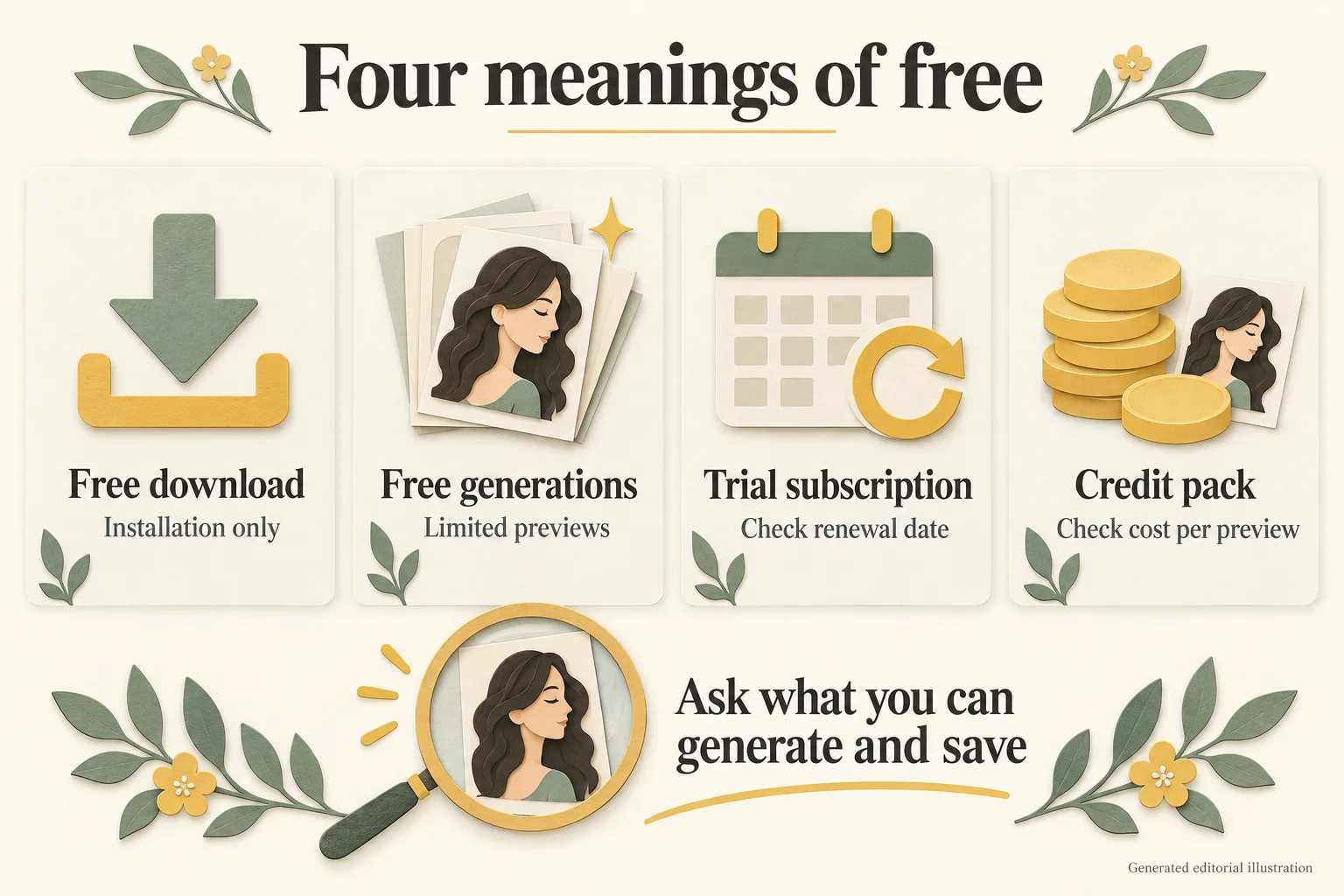
Generated editorial diagram. These are general payment models, not a statement that every app offers all four.
Your practical question is narrower than “Is this app free?” Ask: “Can I generate and inspect the hairstyle I need without approving a purchase or renewing trial?” If the answer is not visible, do not fill the gap with an old review, a headline, or a screenshot of a different version.
A small comparison of published payment models
The table below compares two apps with current official descriptions of hairstyle tools. It is intentionally not a ranking. Public descriptions establish advertised features and payment models, but they do not establish which app produces the most faithful preview for your photo.
| App and primary source | What the listing says | What is known about free use | What you still need to check |
|---|---|---|---|
| Naee for iPhone | Own-photo haircut and color previews, face-shape suggestions, and Stylist Mode. Continued generation requires a subscription or credit purchase. | Free download and a trial with limited credits. Version history mentions a daily free coin. | Current starting allowance, credits per action, daily coin conditions, export terms, and the exact offer available to you. |
| YouCam Makeup | Hairstyle and color tools include free and paid content; reference-photo hair try-on is advertised. Subscription unlocks premium features. | Free download; the hairstyle section explicitly describes a mix of free and paid content. | Which particular hairstyle tools you can use without purchase, current generation limits, reference-photo access, and export terms. |
Unknown does not mean zero, and it does not mean unlimited. Neither public description gives us a verified, account-specific count of usable no-purchase hairstyle generations. The right comparison happens at the feature and purchase screens, before confirming an offer.
There is also a difference between free color editing and free generative haircut changes. If you want a chin-length bob, a no-cost color filter is not a substitute. Conversely, if you only want to compare warmer and cooler brunette shades, a simpler tool may answer your question without a large generation budget. Our hair color preview guide helps separate the shade decision from the haircut decision.
What Naee lets you try before continued paid use
The current Naee listing says it offers a free trial with limited credits. Continued use of AI hairstyle generations, hair color changes, and Stylist Mode requires a subscription or credit purchase. That is the supported wording, not “unlimited free try-on.”
The listing's version 2.3 note says a daily free coin was made available for everyone. A coin announcement does not establish one free generation per day. To make that claim, we would need to verify the current credit cost of the desired action, how claims work, and any applicable conditions. Check the balance and generation cost inside your version instead.
Naee's official website describes reference-photo support, own-photo previews, and saving favorite looks. It also says generation and stylist chat need an internet connection, while saved results can be viewed offline. Those features may help you prepare a haircut reference, but the website's saving description does not verify every free export condition or a watermark policy.
Quality matters before payment too. An April 9 review on the Naee listing reports changes to facial features, and the developer response acknowledges the concern and asks to investigate. That is an individual reported experience, not evidence of how often it happens or whether it persists in the current version. It is a good reason to inspect your own result, not a reason to assume either perfect face preservation or universal failure.
For a broader framework, use the AI hairstyle app-selection guide. A usable sample should help you judge the tool for your actual question, not just demonstrate that an image can be generated.
Five checks before paying
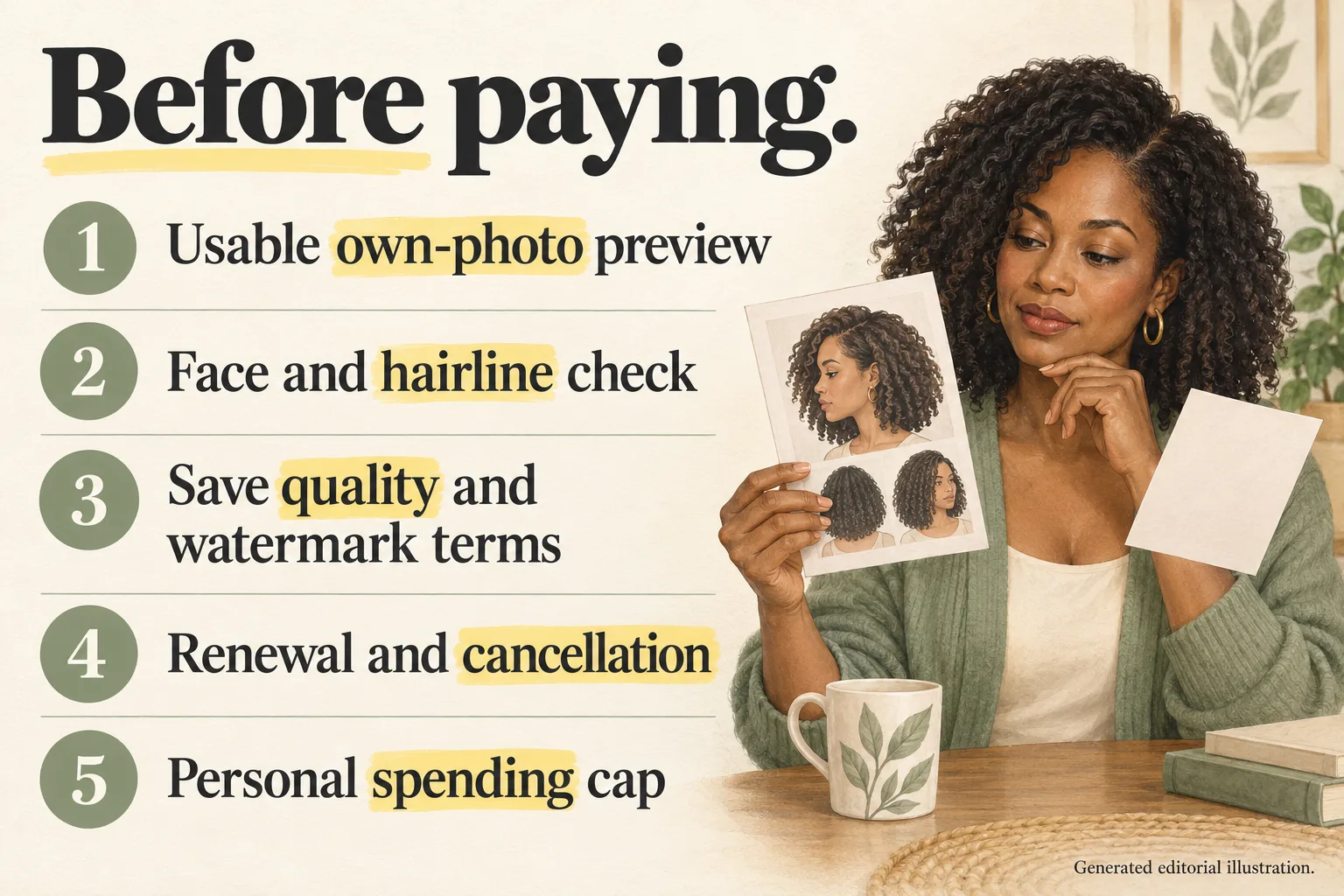
Generated editorial checklist, not an observed app interface or result.
1. Can you inspect a usable own-photo preview?
A sample model portrait can show the style library, but it cannot tell you whether a tool handles your photo well. Use a clear image with even light and a visible hairline. Choose one realistic haircut direction that you are genuinely considering. A blurry or heavily filtered selfie makes an already small allowance harder to evaluate.
2. Is the face still useful for the comparison?
Compare the original and preview side by side. Check the forehead, ears, eyes, nose, jaw, skin texture, and expression. If the face changes substantially, you may be reacting to the altered portrait instead of the haircut. Do not keep buying retries simply because one generated person looks attractive.
Also check that the haircut's boundary is visible. A cropped image that hides the ends cannot settle a shoulder-length versus chin-length decision. The guide to choosing a hairstyle with AI explains why previews work better as a focused shortlist than as final salon predictions.
3. What can you save or export?
Check whether saving is available at your access level, what resolution you receive, and whether a watermark is included or removed only with payment. These are checking criteria, not reported problems with either app in the table. If your purpose is a salon consultation, confirm that your saved reference clearly shows the cut before buying a larger pack.
4. What renews, and how do you cancel it?
Read the plan duration, renewal terms, amount due after any introductory period, and cancellation route. A button labeled “try” does not answer those questions. Keep the receipt or purchase confirmation so you can identify who bills you and which account was used.
5. What is your spending cap?
Set a cap before seeing more options. Write down the one question you want to answer and the maximum amount you are willing to spend answering it. A low upfront offer is not good value if you repeatedly purchase more previews without narrowing the decision.
A hypothetical three-preview selection plan
Imagine a reader named Maya deciding between a shoulder-length lob and a chin-length bob. This is a hypothetical planning example, not our testing, a real customer story, or a promise that an app provides three free images.
Maya defines a small comparison: one shoulder-length lob, one chin-length bob, and one refinement of the stronger direction. She keeps the same source photo, natural hair color, and requested texture so length is the main variable. She does not combine a new cut, bright color, bangs, and face retouching in the first image.
Before generating, she checks the allowance. If the app shows enough no-purchase credits for only one action, she chooses the lob first because it is the smaller change. She then judges image fidelity and export usefulness before deciding whether paying for the remaining comparisons is worthwhile. If the offer requires a subscription trial instead, she evaluates renewal terms rather than treating it as the same no-purchase route.
Her notes might look like this:
| Planned comparison | Question it should answer | Reason to stop or continue |
|---|---|---|
| Shoulder-length lob | Would a modest length change give me the outline I want? | Stop if the face changes or the ends are hidden; continue if the comparison is useful. |
| Chin-length bob | Do I prefer the shorter silhouette enough to discuss upkeep? | Compare against the first image, not an unrelated model photograph. |
| One refinement | Would a slightly longer bob or different part resolve my remaining doubt? | Buy only if this is a specific unanswered question within the spending cap. |
A preview cannot tell Maya how her hair will behave after sleeping, how often she will need trims, or whether the cut preserves her preferred ponytail. If that is your real dilemma, the short-hair decision checklist can narrow the choices before you spend any credits.
Trial cancellation and common payment mistakes
For subscriptions billed through Apple, the official Apple cancellation guide gives the iPhone route: Settings → your name → Subscriptions → the subscription → Cancel Subscription. Apple says to cancel a trial subscription at least 24 hours before it ends if you do not want renewal. Check the offer and any relevant country-specific exceptions linked by Apple.
If the subscription is missing, Apple recommends searching your email for an Apple receipt or invoice and checking the Apple Account shown on it. Another account may hold the subscription. If there is no Apple receipt, check who bills you and contact that company. Do not assume a missing entry proves there is no billing agreement.
Historical HairTry reviews include concerns about paid styles and a reader who reported difficulty finding a trial to cancel. They illustrate questions worth asking, not verified current prices, current allowances, or proof of wrongdoing. An old positive review describing free access is equally unsuitable as a promise about today's offer.
Avoid these common mistakes:
- Equating a free App Store label with free generation of every hairstyle.
- Calculating cost per image from a store's list of purchase items without knowing which offer is actually available and how many credits an action uses.
- Assuming a daily coin announcement guarantees a daily full preview.
- Treating a beautiful generated face as evidence that the haircut will suit your unchanged face.
- Accepting a renewing trial before checking its deadline and cancellation route.
Your next step: buy information, not more guesses
Choose one haircut question, check what you can generate before payment, and inspect the result before committing to continued use. Keep a purchase decision separate from a salon decision: an app can be worth trying while its preview still needs a stylist's assessment of your real texture, maintenance routine, and starting length.
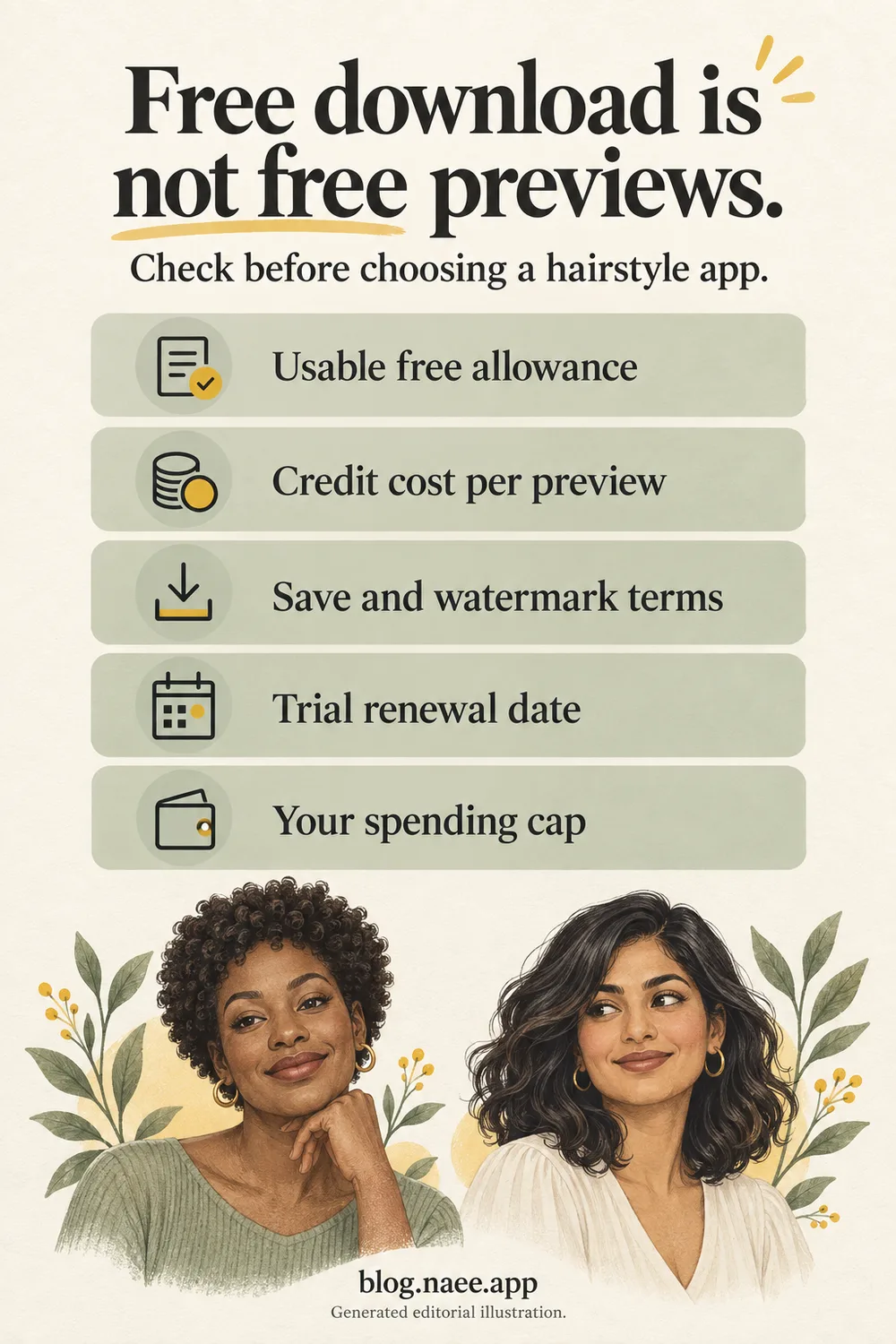
Generated editorial illustration for saving this checklist, not Naee output. Download the full-resolution Pinterest PNG.
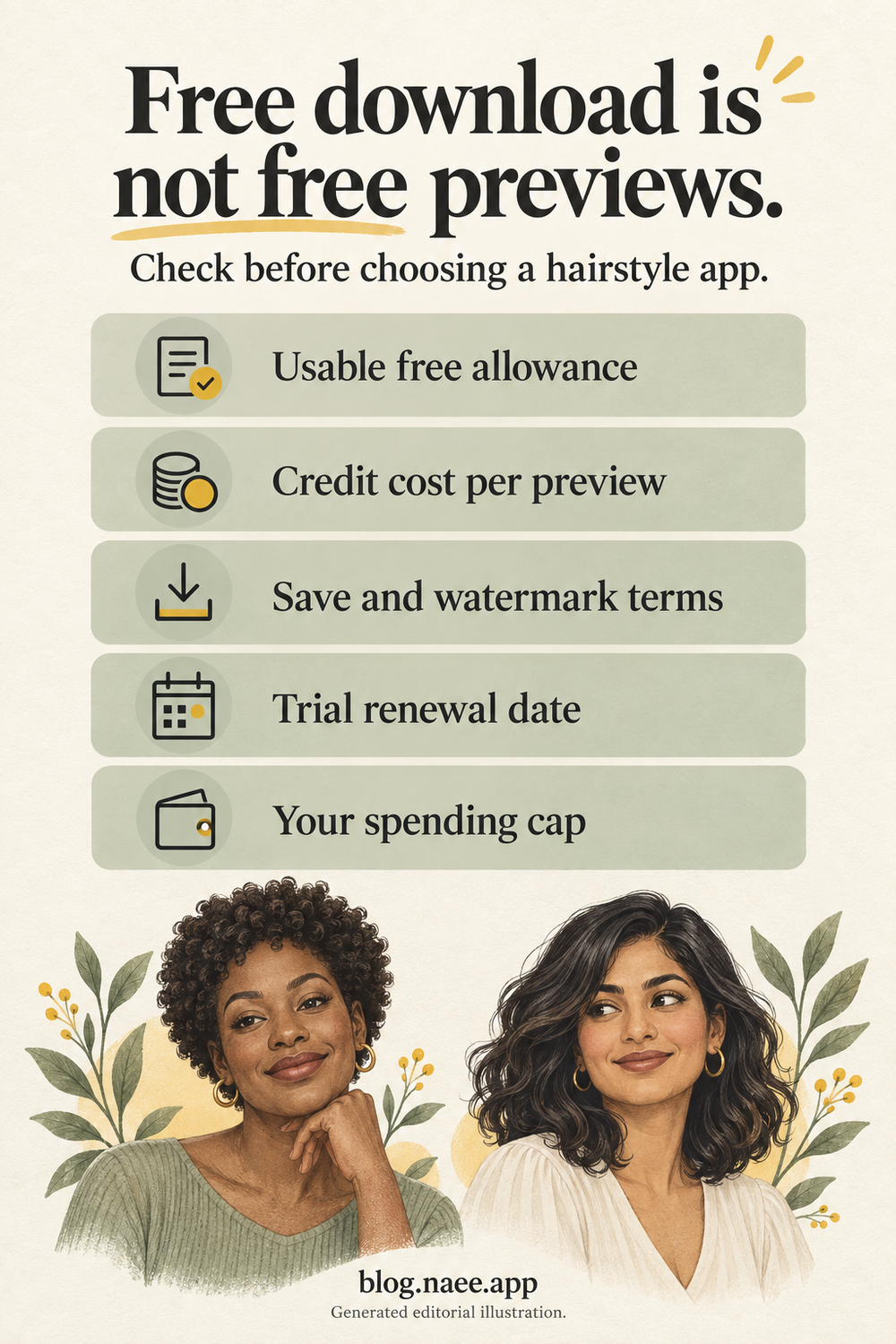
If own-photo haircut and color previews fit your question, view Naee on the App Store. It is a free download with a limited-credit trial and paid continued generation. Read the current in-app allowance and offer before approving a purchase.
FAQ
Is there a completely free AI hairstyle app?
Some apps advertise free content or limited no-purchase access, but that does not establish unlimited free AI haircut generations. In the sources compared here, Naee describes a limited-credit trial and YouCam Makeup describes free and paid hairstyle content. Verify the specific feature you want rather than relying on the download label.
How many free hairstyle previews does Naee provide?
We do not have a verified current generation count. The listing describes limited trial credits and a daily free coin in version history, but a coin is not necessarily one generation. Check your current balance, claim conditions, and the cost of your selected action inside the app.
Can I try hairstyles without starting a subscription?
Look for a no-purchase allowance that is separate from a renewing subscription trial. Naee also advertises credit purchases for continued generation, but the current choices and conditions should be checked in the app. Do not approve a subscription offer merely to discover whether a separate route exists.
Should I choose a subscription or a credit pack?
Choose only after checking what each offer includes and your expected use. A small, one-time shortlist and repeated exploration are different needs. Compare available generation costs, any expiry or usage limits, renewal terms, and your spending cap; do not infer the cheapest useful option from a store's purchase-item list.
How do I cancel an iPhone hairstyle app trial?
For an Apple-billed subscription, use Settings, tap your name, open Subscriptions, select the plan, and cancel it. Apple advises canceling a trial at least 24 hours before it ends if you do not want it to renew. If you cannot find the plan, follow Apple's receipt and billing-account checks in its official guide.