
Copy a Hairstyle From a Photo: What AI Can Match
Yes, you can upload a photo of a haircut you like and preview an interpretation on yourself. Use an app with reference-image hairstyle transfer, not just a preset catalog. It can interpret cut, length, and color cues, but it cannot guarantee the same result on different hair texture or density. The useful goal is to borrow the idea, then adapt the details to your actual hair and routine.
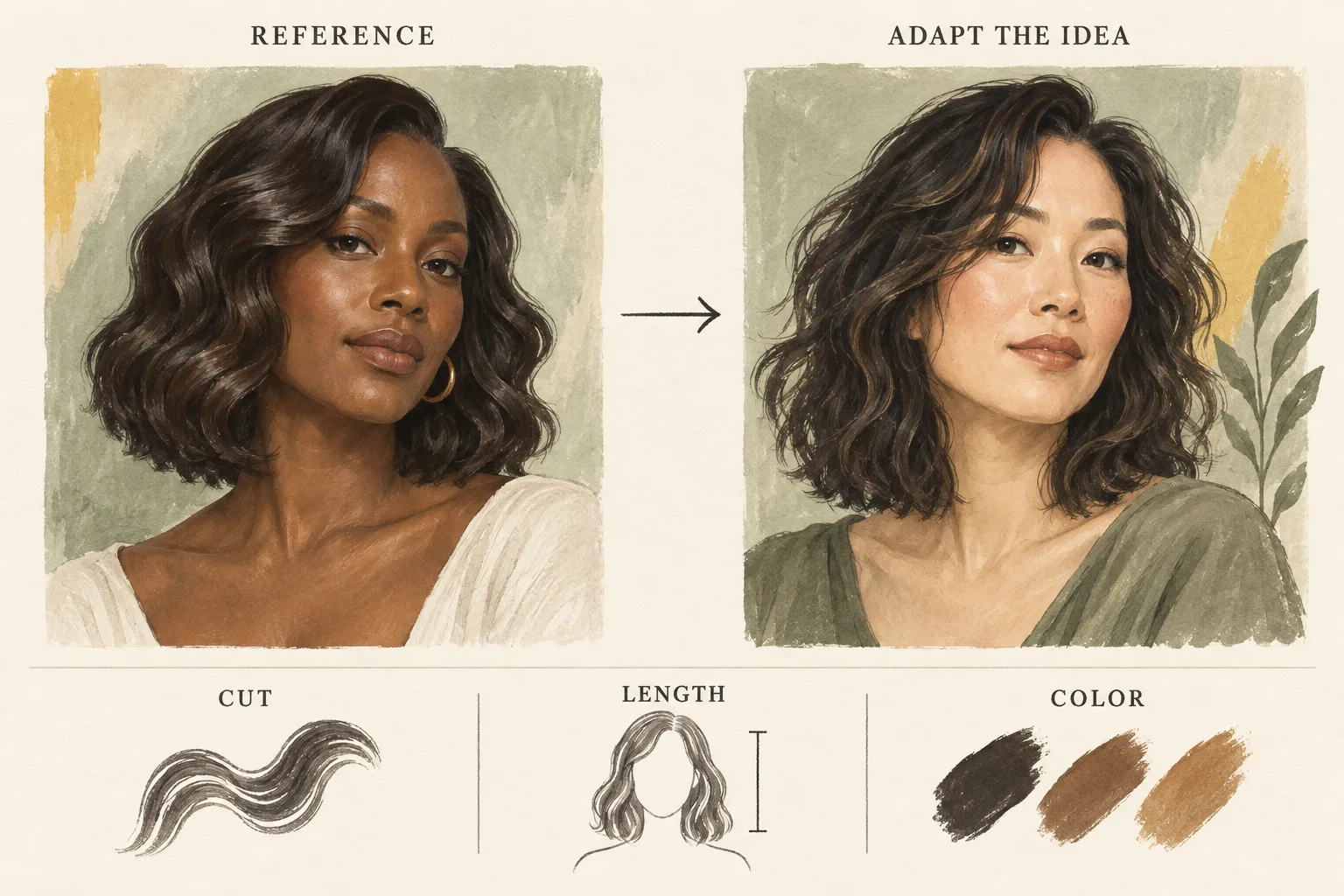
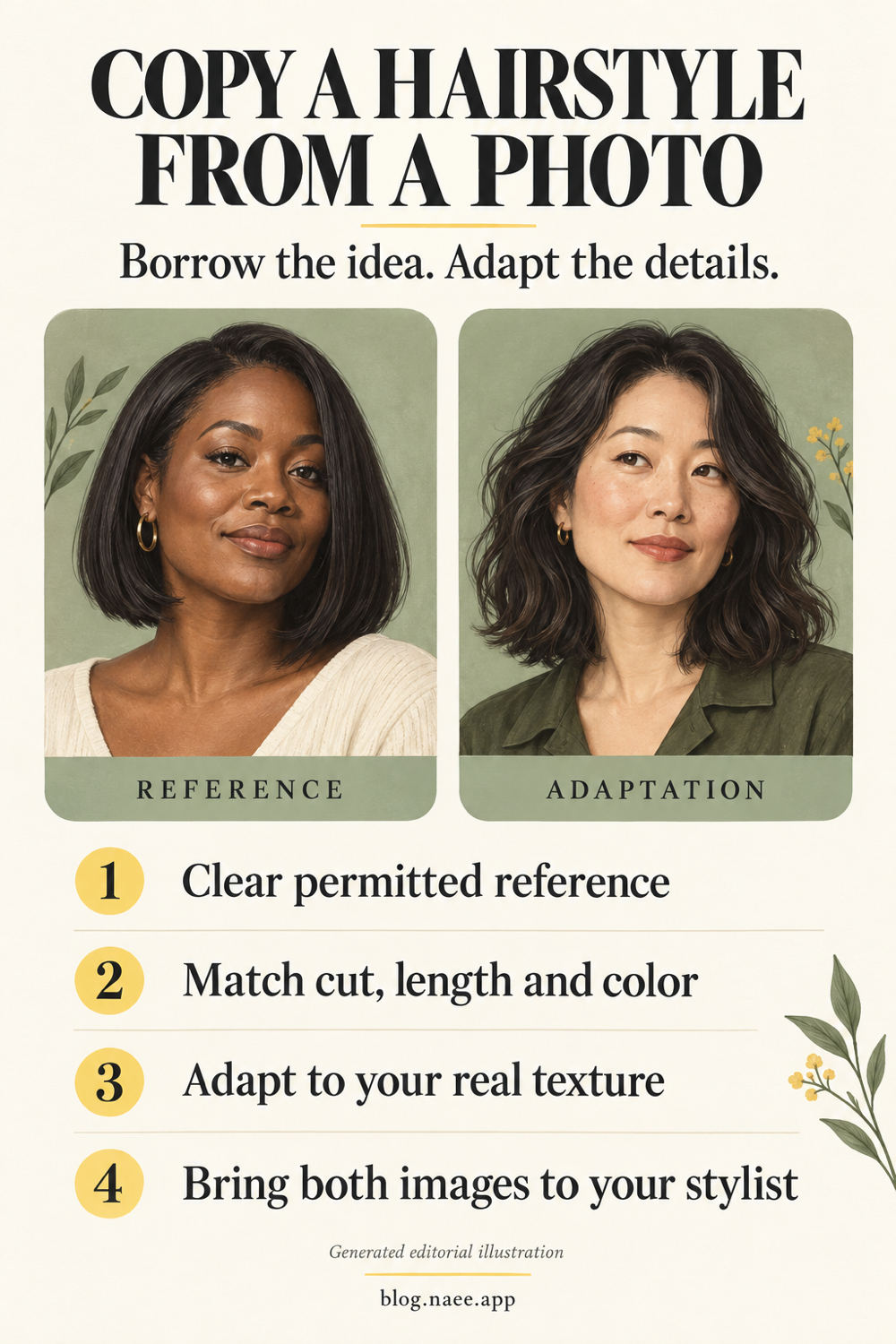
Generated editorial illustration. These concept portraits are not Naee output, app screenshots, or evidence of a real transformation.
Publisher disclosure: This article is published by Naee. Product descriptions below come from official sources, not a hands-on comparison or an independent accuracy test. Reference-photo support is not unique to Naee.
Table of contents
- What it means to copy a hairstyle from a photo
- Reference photos, presets, and text are different inputs
- Choose a clear reference you have permission to use
- Which apps describe reference-photo support?
- Adapt the look to your actual hair
- A worked example: borrowing a bob without copying everything
- Bring the original reference and your preview to the salon
- Common mistakes and the final takeaway
- FAQ
What it means to copy a hairstyle from a photo
A reference image gives the app visual instructions: where the ends sit, how the fringe falls, whether the outline is rounded or angular, and where a color is concentrated. The generated image is an interpretation of those instructions on another photo. It is not a physical transplant of the reference person's hair.
Separate three things before you start:
- The cut: the outline, layers, fringe, and face-framing pieces you want to explore.
- The styling: the waves, polished finish, lift, or tucked ends shown for that photograph.
- The color: the depth, warmth, and placement of lighter or darker sections.
You might love the outline of a bob but not its blunt fringe. Or you might want the warm highlights while keeping your existing length. Naming what you want to borrow prevents an attractive reference from becoming an unclear request.
A preview can help you decide whether a shorter outline or a warmer color appeals to you. It cannot reveal how the cut moves, feels, grows out, or behaves when you leave it to air-dry. For a broader decision process, use our guide to choosing a hairstyle with AI.
Reference photos, presets, and text are different inputs
A catalog of named haircuts can be useful without accepting a reference photo. Likewise, a text-based generator can interpret “long bob with curtain bangs” without understanding the specific photo you saved. Look for an explicit reference-image or custom-hair feature when the picture itself matters.
| Input | Useful when | Main limitation |
|---|---|---|
| Preset hairstyle | You want to compare broad categories such as bobs, pixies, or bangs | A category may miss the particular outline in your reference |
| Text description | You know which details you want to change or retain | Ambiguous terms can produce a different interpretation |
| Reference photo | You have a specific silhouette, fringe, or color placement in mind | The app may simplify details or reproduce styling that your hair does not naturally have |
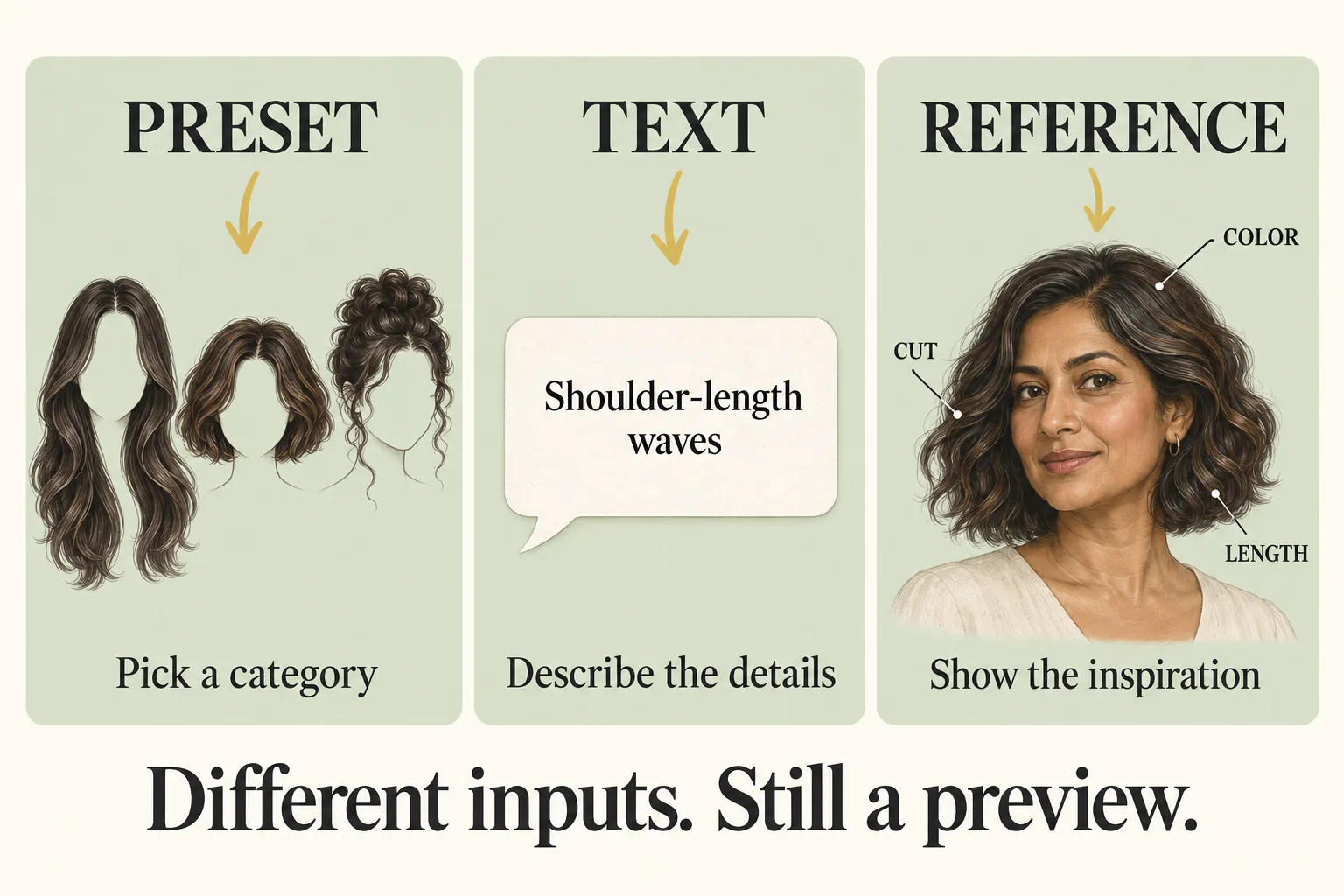
Generated editorial diagram comparing input methods, not a screenshot of any app.
If the app allows a reference alongside written instructions, explain the exceptions: “Use the outline of this cut, but keep my brunette color and make the ends sit below my chin.” That is a request to try, not a guarantee that every detail will be followed. Check the output against both the instruction and your original photo.
The AI hairstyle try-on guide explains how to compare previews without treating a generated image as a salon prediction.
Choose a clear reference you have permission to use
Prefer your own hairstyle photo or an image whose owner has permitted the intended use, including uploading it to the service. A picture being publicly visible is not the same as permission to process or republish it. If a friend supplies the reference, ask before uploading their identifiable photo. Do not upload images of people who have not agreed to that use.
For the reference itself, choose a photo where the desired detail is visible. A front view can explain a fringe but conceal the shape at the back. A side view can show length around the jaw but hide how the front sections fall. If you have permitted views from more than one angle, keep them together for the salon even if the app only accepts one input.
Use this reference checklist:
- The ends are visible rather than hidden behind a coat, shoulder, or hand.
- The hair is not mostly covered by a hat or clipped away from the target shape.
- The lighting lets you distinguish highlights from glare.
- The texture is visible without a heavy smoothing or beauty filter.
- The picture shows the feature you actually want to borrow.
- You can explain whether you want the cut, styling, color, or a combination.
Your own input photo matters too. Naee's official website recommends clear photos, even natural lighting, visible hair, and avoiding blur or heavy filters. Keep your face and hairline readable so you can compare them afterward. Remove unrelated people or private background details when possible, and read the service's privacy terms before sending either image.
Which apps describe reference-photo support?
Naee's website explicitly describes copying a cut or color from a reference photo and extracting cut, length, and color cues. Its official App Store listing describes own-photo hairstyle previews and Stylist Mode. In the developer response to the April 9 review, the developer also states that Stylist Mode supports a hairstyle reference.
These sources establish advertised support. They do not establish a tested accuracy rate or the exact controls in every installed version. This guide therefore does not invent button names or a tap-by-tap upload path. Check the reference-input options in your current version before purchasing access for that feature.
The YouCam Makeup App Store listing also describes “Custom Hair Try On” using reference photos, with the option to retain natural hair color. Its listing separates that feature from preset hairstyles and says hairstyle content includes free and paid options. That makes it another advertised reference-photo option, not evidence that either app is universally better.
Naee's listing describes a free download, a limited-credit trial, and subscriptions or credit purchases for continued generations. Do not assume every reference preview is free or that an old allowance still applies. Review the current in-app terms and available credits first. Naee also says on its website that generation and stylist chat require an internet connection; saved looks can be viewed offline.
Adapt the look to your actual hair
The reference can show a finish that depends on styling tools, products, extensions, or an angle you cannot see. A polished generated portrait may hide those differences rather than explain them. Treat texture, density, current length, and color history as questions for a stylist, not measurements the preview has established.
| What you like in the reference | What to check in the preview | What to ask a stylist |
|---|---|---|
| Chin-length outline | Where the ends sit relative to your chin and neck | How the length will sit when your hair dries naturally |
| Full, rounded fringe | Whether the fringe changes the apparent forehead or face | Whether your growth pattern supports that fringe and its upkeep |
| Smooth blunt ends | Whether the image has replaced your usual texture | What the outline would look like without heat styling |
| Bright face-framing color | Whether warmth and placement are understandable | What your color history allows and how the placement grows out |
| Soft layers | Whether the preview communicates the intended shape | How to adapt the layers to your actual hair and routine |
Do not let a reference silently turn wavy hair into straight hair unless you want to explore a styled straight finish. If your goal is a wash-and-go cut, request your normal texture where the app allows it, then ask a stylist about the real air-dried shape. Our haircuts for wavy hair guide can help you name the details you want to discuss.
For color, keep the original shade and the target placement separate. A generated warm blonde does not tell you whether your starting color can reach it in one appointment. The hair color preview guide explains why the starting point and technique belong in the conversation.
A worked example: borrowing a bob without copying everything
This is a hypothetical selection exercise, not a tested Naee result or a real client's outcome. Maya has shoulder-length, naturally wavy brunette hair. She saves a permitted reference showing a sleek chin-length copper bob. She likes the compact outline but wants to keep her natural color, air-dry most mornings, and retain enough length to pull some hair back.
Rather than asking for “this exact hair,” she breaks the reference into decisions:
- Borrow the bob outline, not the copper color.
- Compare chin length with a second interpretation ending below the chin.
- Request a wavy interpretation instead of the reference's sleek styling, if the app accepts that instruction.
- Keep the same own-photo input for both comparisons.
- Reject any preview that materially changes her eyes, nose, jaw, or forehead.
A useful instruction would be: “Use this reference's bob outline. Keep my brunette color and natural waves. Show a version ending below my chin.” She can then compare which outline she prefers, while writing “tie-back ability not confirmed” beside the longer option.
Her selection is not “the app says this cut will work.” It is “I prefer this outline, and these are my constraints.” At the salon, she asks whether the longer version can meet her tie-back goal, how the cut will sit air-dried, and what styling the sleek reference requires. That is a more useful outcome than taking a single flattering preview as a cutting plan.
Bring the original reference and your preview to the salon
Bring both images, not just the generated interpretation. The original communicates what attracted you; the preview communicates which visual direction you preferred on your own portrait. If the generator omitted a detail, your stylist can still see it in the original.
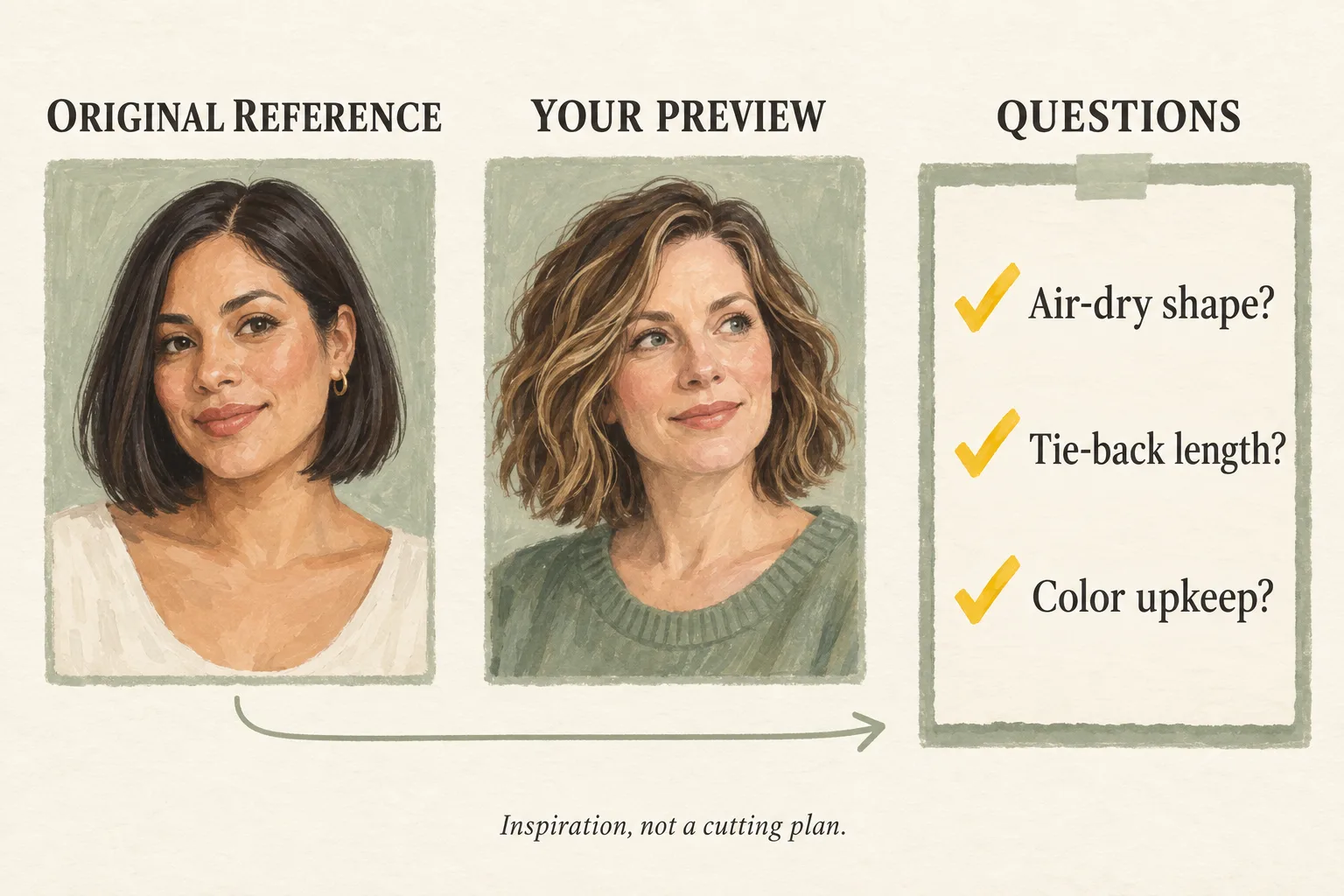
Generated editorial illustration of a consultation checklist. Neither portrait is an actual app result.
Prepare a short note with three headings: keep, change, and check. Under keep, list your preferred color or everyday texture. Under change, identify the ends, fringe, or layers you want to explore. Under check, list uncertainty about styling, length, upkeep, or the route to a new color.
Useful questions include:
- Which parts of the reference are the haircut, and which are styling?
- How would you adapt this outline to my actual hair?
- What will it look like air-dried rather than freshly styled?
- Can the proposed length meet my practical needs?
- What maintenance would the fringe or color require?
A stylist should evaluate your hair in person before agreeing to a specific cut or color process. Keep the preview labeled as AI-generated when sharing it, so no one mistakes it for a photograph of a haircut you already have.
Common mistakes and the final takeaway
The first mistake is asking for an exact copy. A better request identifies the specific features you want. The second is choosing a reference with hidden ends or heavy filtering, then expecting precise detail. The third is assessing only the hair while overlooking changes to the face.
Face preservation needs checking even when you have not asked for beauty editing. The Naee April 9 review linked above reports facial changes, and the developer acknowledges investigating the concern. That is one reported experience, not a prevalence estimate or a conclusion about every current output. Compare each result with your original photo and discard a changed-face preview as evidence of how the haircut looks on you.
Finally, do not confuse a visually appealing color with an achievable formula or a still image with a low-maintenance routine. Save the reference, a useful preview, and your unanswered questions. Those three items make a clearer conversation than “make me look exactly like this.”
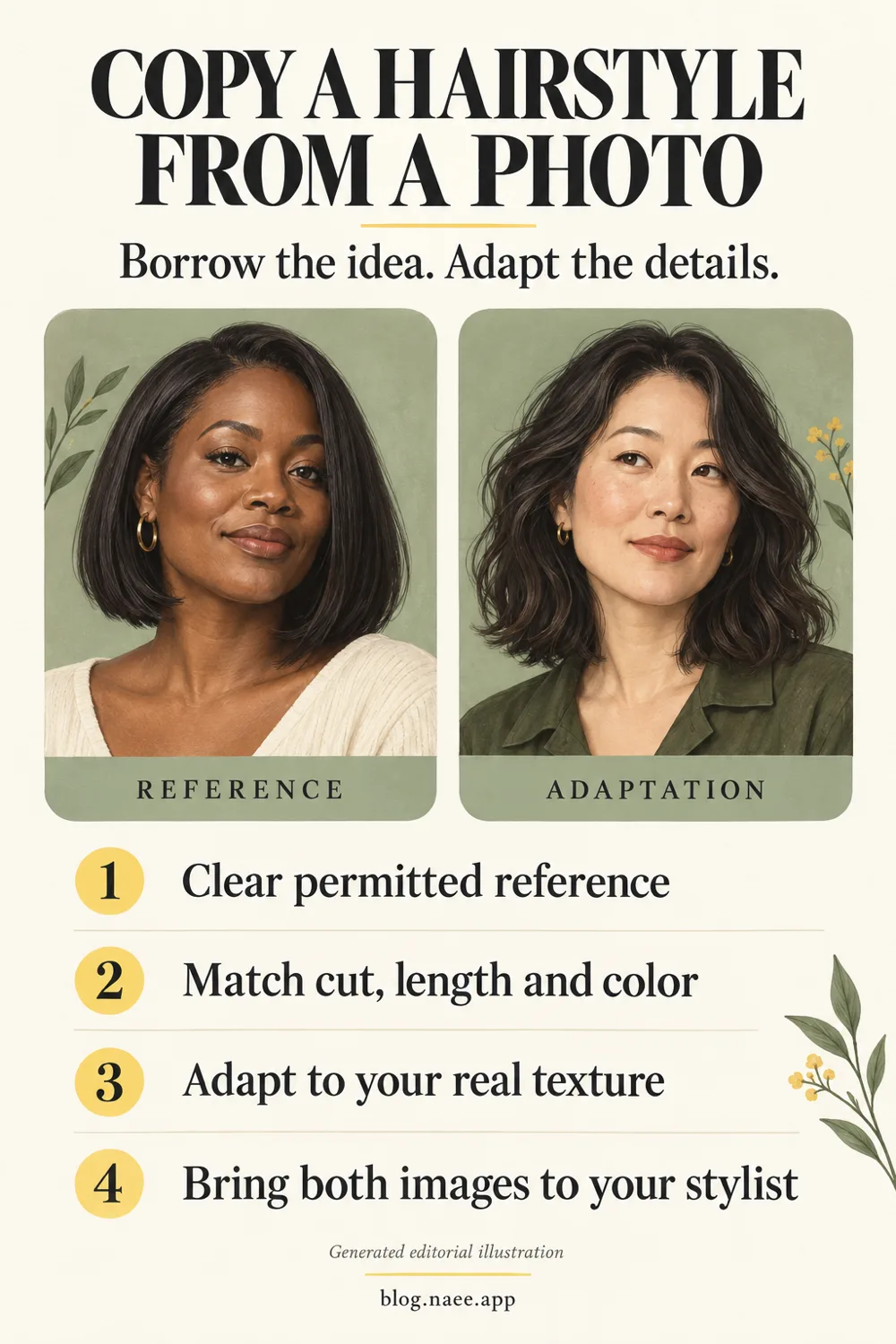
Generated editorial Pinterest illustration, not Naee output or a guaranteed result. Download the full-resolution reference-photo checklist.
If you want to explore a reference on your own photo, you can download Naee for iPhone. Check current reference-input access and purchase terms before generating. Use the result as a conversation starter, not a promise.
FAQ
Can I upload a haircut photo and see it on myself?
Yes, an app that advertises reference-photo hairstyle transfer can use the image as inspiration for a preview on your own photo. Naee and YouCam Makeup both describe reference support in official sources. A preset-only catalog is a different feature.
Will AI copy the hairstyle exactly?
No exact match is guaranteed. The app may interpret the outline, length, and color while simplifying details or changing texture. Your real salon result also depends on your starting hair and the cut, styling, and color process chosen with a professional.
Can I borrow the haircut without copying its color?
You can request that separation where the app supports it. YouCam Makeup explicitly advertises an option to keep natural color in its custom reference try-on. With any app, inspect the output to see whether your instruction was followed rather than assuming it was.
Is a photo from social media okay to upload?
Public visibility alone does not establish permission for uploading it to another service. Prefer your own images or references you have permission to use for this purpose. Obtain consent before uploading a friend's identifiable portrait, and check the service's applicable terms.
Should I show my stylist the reference or the preview?
Show both, and identify the preview as AI-generated. Explain what you like in the original, what you prefer in the interpretation, and which details must work with your actual texture and everyday routine.